Digital Journals Can Be Scrapbooks, Databases, or Thinking Tools
Some digital journals are built for photos, PDFs, scans, and memories. Others are built for thought capture and pattern recognition.
People mean different things when they say digital journal.
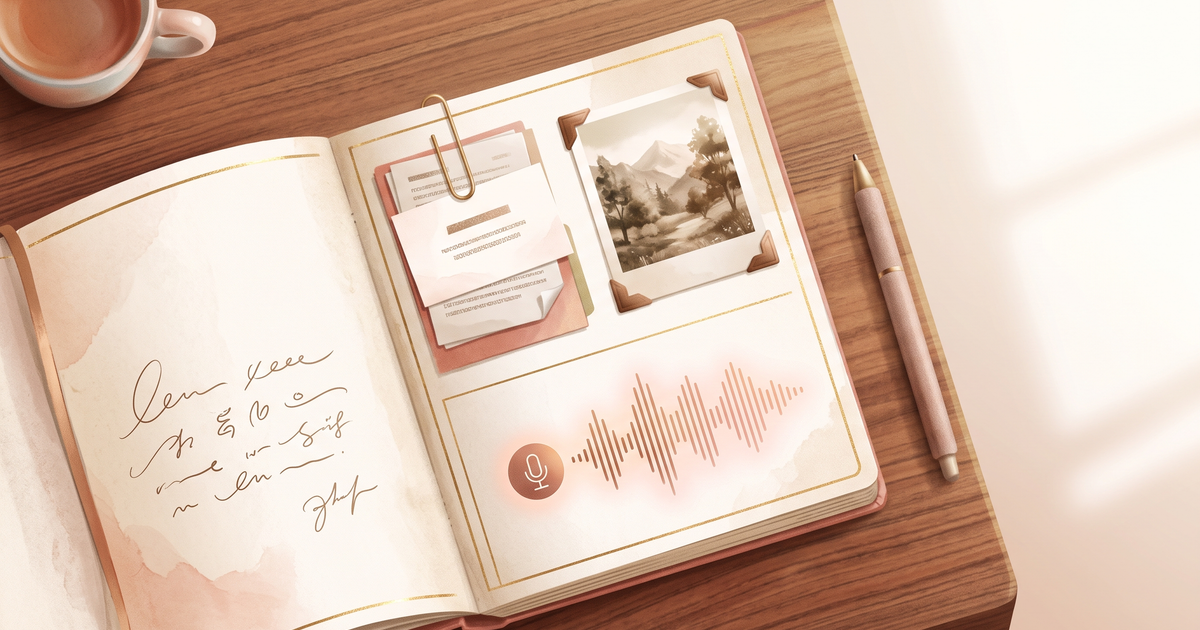
One person wants a private diary. Another wants a searchable database. Another wants a scrapbook with photos, screenshots, PDFs, audio files, stickers, and scans of old notebooks.
Those are different products.
Before choosing a journal app, decide what you want your journal to hold.
The Scrapbook Use Case
When choosing what to preserve, consider how taking photos can change what you remember. An image and a note about what someone said can retain different parts of the same occasion.
A scrapbook-style digital journal is about memory preservation.
It may include:
- photos
- videos
- screenshots
- scanned ticket stubs
- PDFs
- recipes
- travel notes
- location data
- drawings
- handwritten pages
- audio clips
This kind of journal is good for documenting life as it happened. It gives context around a day, not just your thoughts about the day.
If this is what you want, choose a tool built for rich media.
The Database Use Case
Some people want their journal to act like a personal database.
They care about:
- tags
- search
- links between entries
- templates
- habits
- book lists
- recipes
- projects
- recurring topics
Tools like Notion, Obsidian, and other note systems can work well here because structure is the point.
The tradeoff is maintenance. A database journal can become another system to manage.
The Thinking Tool Use Case
Some people do not need a scrapbook or a database. They need somewhere to process.
They want to say:
“Here is what happened, here is why it bothered me, here is the thing I am avoiding, here is what I think I need to do.”
For that use case, speed and emotional honesty matter more than layout.
Voice journaling works well here because it lets thoughts come out before they get cleaned up.
Where Lound Fits
Lound is a thinking tool, built for the moment when there is too much in your head to type: the walk home, the drive back from therapy, the 2am loop.
It is strongest when you want to:
- press record and talk through what is on your mind
- get a transcript, plus a title, summary, mood, and themes, without doing any filing
- see what keeps repeating across weeks and months of entries
- search your reflections and ask questions about your own history in chat
- understand recurring emotional loops
Entries can hold photos and videos from your library, and you can type an entry when talking is not an option. But if your journal is a scrapbook of PDFs, scans, stickers, handwriting, and visual pages, that is a different job, and a rich-media app does it better.
That does not make Lound worse. It makes it more specific.
Why This Distinction Matters
If you choose the wrong kind of journal, you will blame yourself for not using it.
A scrapbook app may feel too visual if all you need is to vent.
A voice journal may feel incomplete if your real goal is preserving photos and objects.
A database may feel heavy if you wanted emotional release.
The best tool matches the job.
A Hybrid Option
You can split the work:
- use Lound for voice processing
- use a photo journal for memories
- scan paper pages into cloud storage
- keep a simple folder of exports
Your life does not need to fit into one app.
The Bottom Line
Digital journals can hold many kinds of material, but no app is best at everything.
Choose based on what you want to preserve: memories, data, or the way your mind works through things.
Keep reading
For a stronger foundation, read AI Journaling Privacy: What Apps Do With Your Data. For a nearby angle, continue with Digital Journal vs Paper Journal: Which One Fits You?.
Questions people ask
Can a digital journal include photos and audio?
Many digital journals support photos, audio, video, PDFs, scans, screenshots, and other attachments. Feature support varies a lot by app.
What is the best digital journal for scrapbooking?
A multimedia journal such as Day One or an iPad notes app is usually better for scrapbooking than a voice-first journal.
Does Lound support multimedia journaling?
Lound is built around talking: you record, it transcribes the entry, gives it a title, summary, mood, and themes, and finds patterns over time. You can attach photos and videos to an entry and type an entry when you would rather not talk. A visual scrapbook with PDFs, scans, and stickers is a different job, better done by a rich-media app like Day One.