5 AI Journaling Apps Compared: What Happens After You Talk?
Compare Lound, Rosebud, Mindsera, Day One, and Reflect on voice input, AI responses, privacy, and cost. Plus a practical test before subscribing.
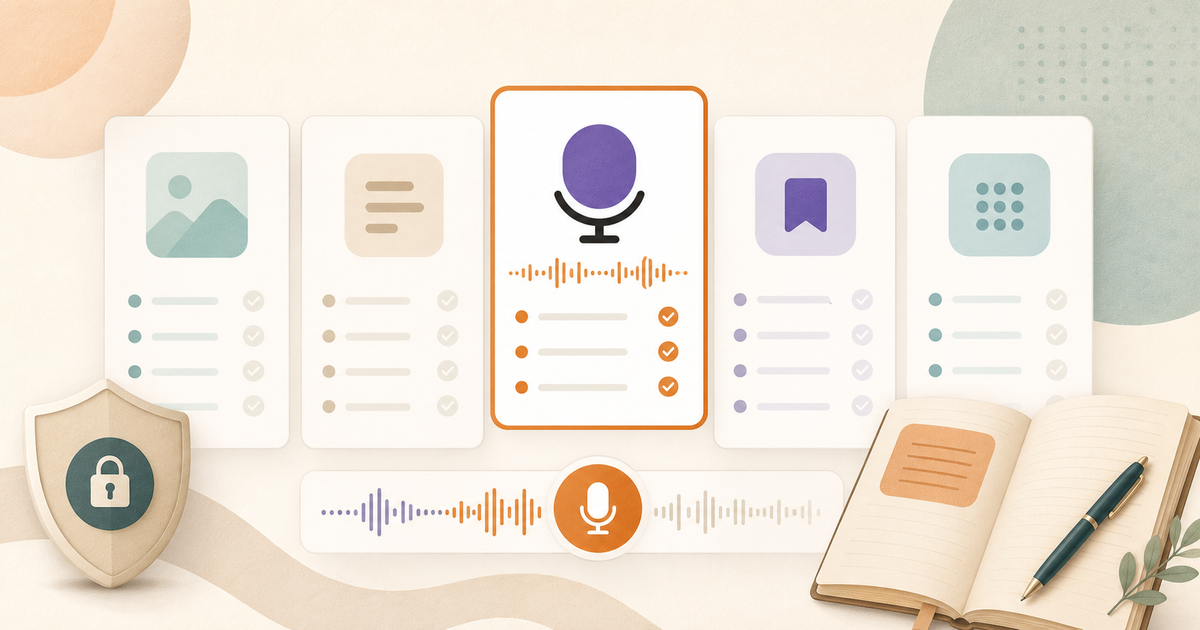
The best AI journaling app depends on what you want after you make an entry. Lound centers on spoken entries, Rosebud on guided reflection, Mindsera on structured thinking tools, Day One on a multimedia journal, and Reflect on connected notes. Several support speech, so a microphone button won’t tell you which fits.
This guide is published by Lound, one of the products below. It is a comparison of documented features, not an independent hands-on ranking. Official sources were checked on September 16, 2026. Prices are advertised US-dollar rates and can vary by region, purchase channel, and promotion.
Five apps, five reasons to shortlist them
| App | Consider it for | Workflow |
|---|---|---|
| Lound | Talking through a thought on iPhone | Record an entry, then review a transcript and AI reflection |
| Rosebud | Guided reflection and follow-up questions | Written and spoken entries, with reports over time |
| Mindsera | Structured prompts and analysis | Writing, Voice Mode, Call Mode, and framework templates |
| Day One | Keeping text, photos, and audio together | Multimedia entries with optional AI features |
| Reflect | Connecting journal notes with work and ideas | Linked notes, voice transcription, and AI assistance |
If recording is your main requirement, the narrower voice journaling app comparison is another starting point. Here, the question is how much interpretation and conversation you want alongside the record.
Lound: spoken entries you can return to
In Lound, you can talk through a thought and review the transcription and AI reflection afterward. You can also type an entry when speaking isn’t practical. The journal gives you a place to revisit those entries and ask about your saved history. It is currently an iPhone app.
The free plan includes recordings up to five minutes each, up to ten entries and thirty recording minutes per day, and fifty journal chat messages per day. You can use it without starting a Premium trial. Premium adds longer recordings, English live transcription, search by meaning, and personalized reminders, among other features. Check the in-app purchase screen for your local subscription price.
Tradeoff: Lound uses cloud services for transcription and analysis. Its privacy policy explains that transcripts and AI insights are stored, while optional replayable audio is saved on your device. It is not an offline-only or end-to-end-encrypted journal. Choose something else if those are requirements.
Rosebud: guided reflection, including voice
Rosebud offers voice journaling as well as written reflection, memory, and weekly reports. Its voice guide describes hands-free transcription and spoken playback of AI responses. Bloom is advertised at $12.99 monthly or $107.99 annually. Its help center says the free plan will retire on September 30, 2026; check trial and subscription terms when signing up.
Consider it if you want prompts and follow-up questions to help you continue an entry. Check the fit: a conversational response can be welcome when you’re exploring a thought, and unwanted when you only want to save it. Try both situations before committing.
The Lound and Rosebud comparison covers the two workflows in more detail.
Mindsera: frameworks and several ways to reflect
Mindsera offers framework templates, conversational prompts, entry analysis, and questions across your journal. Its Curious plan is free; Genius is advertised at $14.99 monthly or $129 annually and includes Voice Mode and Call Mode.
Its voice documentation distinguishes recording from transcription: saved recordings can be replayed, downloaded, retranscribed, or deleted. On the web, it also describes raw and refined transcription options.
Consider it if you like a structured starting question. Check the fit: compare a refined transcript with what you actually said. Cleaner sentences are useful for some entries, but you may want to preserve uncertainty or a change of mind.
Day One: a journal archive with optional AI
Day One’s plans separate basic journaling, audio capture, and AI. Basic is free. Silver is advertised at $49.99 annually and includes audio recording and transcription. Gold is $74.99 annually and adds reflective AI summaries and prompts.
It is worth considering when photos, memories, and an enduring journal archive matter as much as an AI response. Check the fit: don’t assume that paying for audio includes every AI feature.
Privacy needs a second look when you enable AI. Day One’s Daily Chat documentation describes opt-in processing and explains how selected content is handled when AI is used. An encrypted journal and an AI request involve different processing steps; read both explanations before sharing sensitive material.
Reflect: connected notes that can include a journal
Reflect combines linked notes, voice transcription, and AI assistance. Its advertised price is $10 per month billed annually, with a fourteen-day trial.
Consider it if personal reflections belong beside project notes, reading notes, and meeting context. Check the fit: a connected notebook may be more useful than a dedicated diary, but it also puts personal and work material in the same organizational system. Decide what you want to keep together.
Recording, transcription, and interpretation are separate
A recording retains sound. A transcript represents speech as text. An AI response adds an interpretation. An app can offer one without offering all three, and enabling a microphone does not prove that its AI analyzes vocal tone.
Lound’s mood and theme analysis uses transcribed words. A pause or laugh may matter to you without being represented in the text the analysis receives. If replay matters, check the audio-retention setting before assuming the original recording will be available.
- Are names and negations accurate?
- Can you find the original wording?
- Is replay available when you want it?
- Does it preserve your uncertainty?
- Can you check claims against entries?
- Does it separate your words from its suggestions?
A ten-minute test before subscribing
Use an ordinary, non-sensitive example. You don’t need to upload your private history to compare basic behavior.
Record or type an entry with a correction: “I thought I wanted to cancel dinner. Actually, I want to go, but I don’t want to organize it.” Check whether the summary preserves the final position rather than reporting that you want to cancel.
Include uncertainty: “I might ask for a different deadline. I haven’t decided.” See whether the response turns a possibility into a commitment. Our guide to checking AI journal patterns covers the same distinction across multiple entries.
Return to the source: find the original entry from its summary or search result. If an answer refers to an earlier entry, open it and compare. A confident answer alone doesn’t establish that the app recalled the right detail.
Try the exit: export your test entry and open the downloaded file. Check whether it includes the original text, date, and any attachments you expected. Journal export formats matter when you switch apps.
Finally, repeat the test in the format you’d use on a tired evening. An app that handles a demonstration well may still ask for more editing or conversation than you want each day.
What to check before sharing private thoughts
Look for separate answers about stored entries, audio retention, AI-provider processing, model training, and deletion. A single privacy badge cannot answer all five. Our AI journaling privacy guide explains the questions to ask.
Treat suggested moods and patterns as interpretations you can disagree with. None of these product descriptions establishes a clinical diagnosis or a substitute for professional care.
Choose the app whose saved record you trust and whose workflow you want to repeat. Start with one or two candidates, check their current plan terms, and test an entry before moving a larger journal.
Questions people ask
Which AI journaling app should I try first?
Shortlist by the job you need: Lound for spoken entries on iPhone, Rosebud for guided reflection, Mindsera for structured prompts and analysis, Day One for a multimedia journal, or Reflect for connected notes. Test the same ordinary entry before subscribing.
Does Rosebud support voice journaling?
Yes. Rosebud advertises voice journaling. Mindsera also supports voice input. The useful comparison is what happens to your recording and how you want the app to respond, not a blanket voice-versus-text split.
Can I try AI journaling without a subscription?
Lound has a free plan without a required Premium trial. It includes recording, transcription after recording, and AI reflection within daily limits. Other apps have different free or trial arrangements; check which AI features are included before entering payment details.
Does an AI voice journal analyze my tone of voice?
Voice input does not establish that an app analyzes vocal tone. A service may transcribe audio and analyze only the resulting text. Lound's mood and theme analysis uses transcribed words, so it should not be treated as an acoustic emotion detector.